Unlock the full potential of Salesforce and Microsoft 365 with CloudTools 2.0. Bring applications, content, and AI-powered insights together while simplifying automation, streamlining collaboration, and extending your existing technology investments.
Get connected today and see what you’ve been missing.
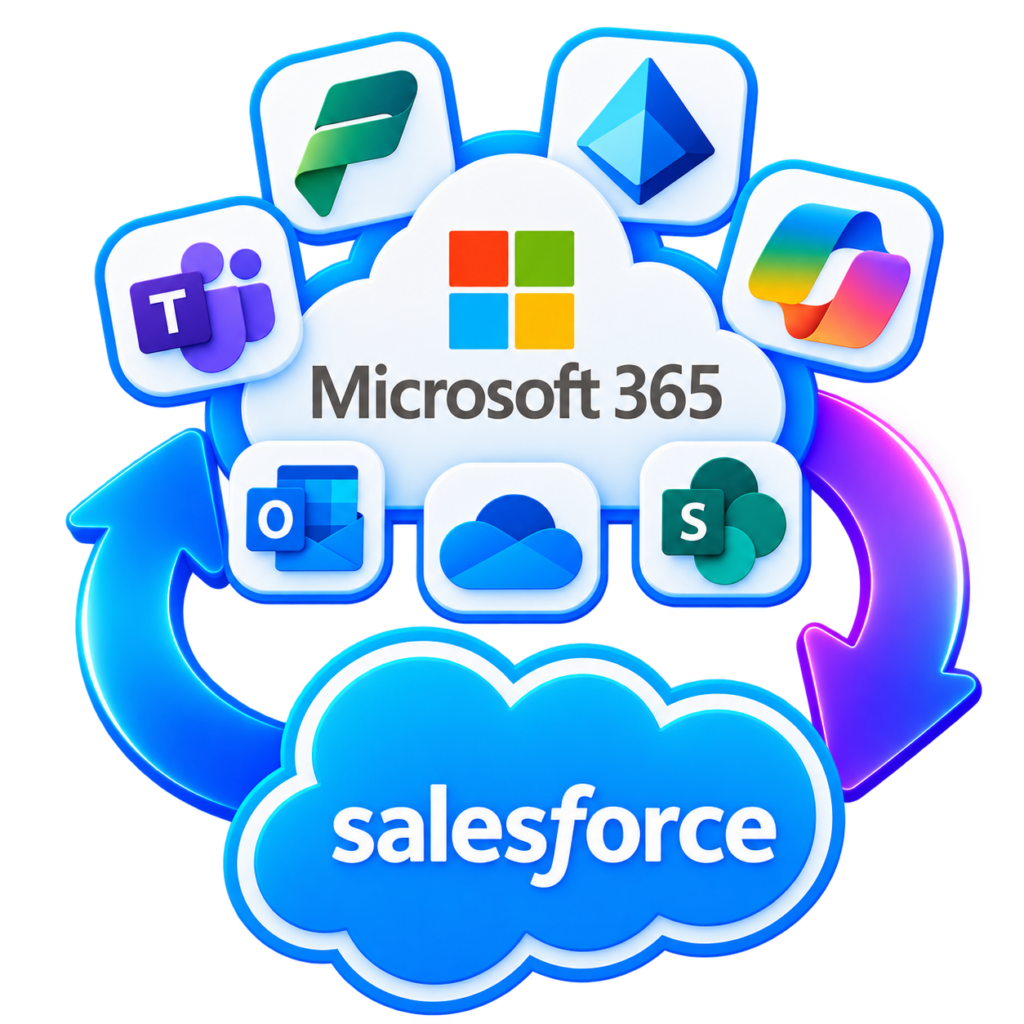
CloudTools 2.0 brings Microsoft 365 directly into Salesforce, connecting the applications, content, and business processes your organization depends on. Access documents, collaborate in Microsoft Teams, work with Outlook, and interact with Microsoft Copilot—all from the familiar Salesforce Lightning experience.
Extend those capabilities with ready-to-use Salesforce Flow actions, configurable Lightning components, and powerful integration services that make it easier to build connected solutions without unnecessary complexity.
Your business runs on Salesforce and Microsoft 365. CloudTools brings them together in a single, connected workspace.
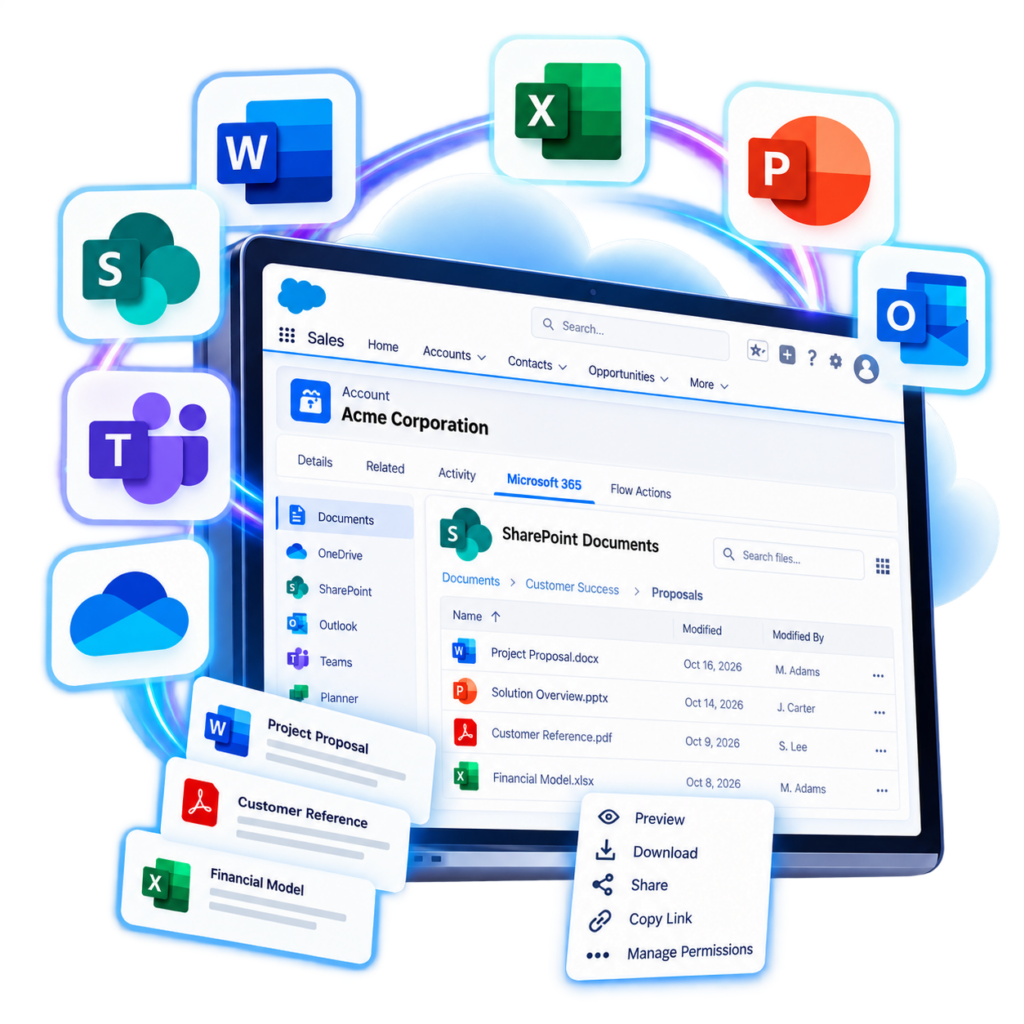
With configurable Lightning Web Components, users can access Microsoft 365 services directly from Salesforce record pages, application pages, and home pages. Work with SharePoint and OneDrive files, participate in Teams conversations, manage Outlook email and calendars, and access tasks without constantly moving between applications.
By making Microsoft 365 capabilities available within Salesforce, CloudTools helps teams maintain context, reduce unnecessary application switching, and keep information accessible where business decisions are made.
Copilot inside Salesforce
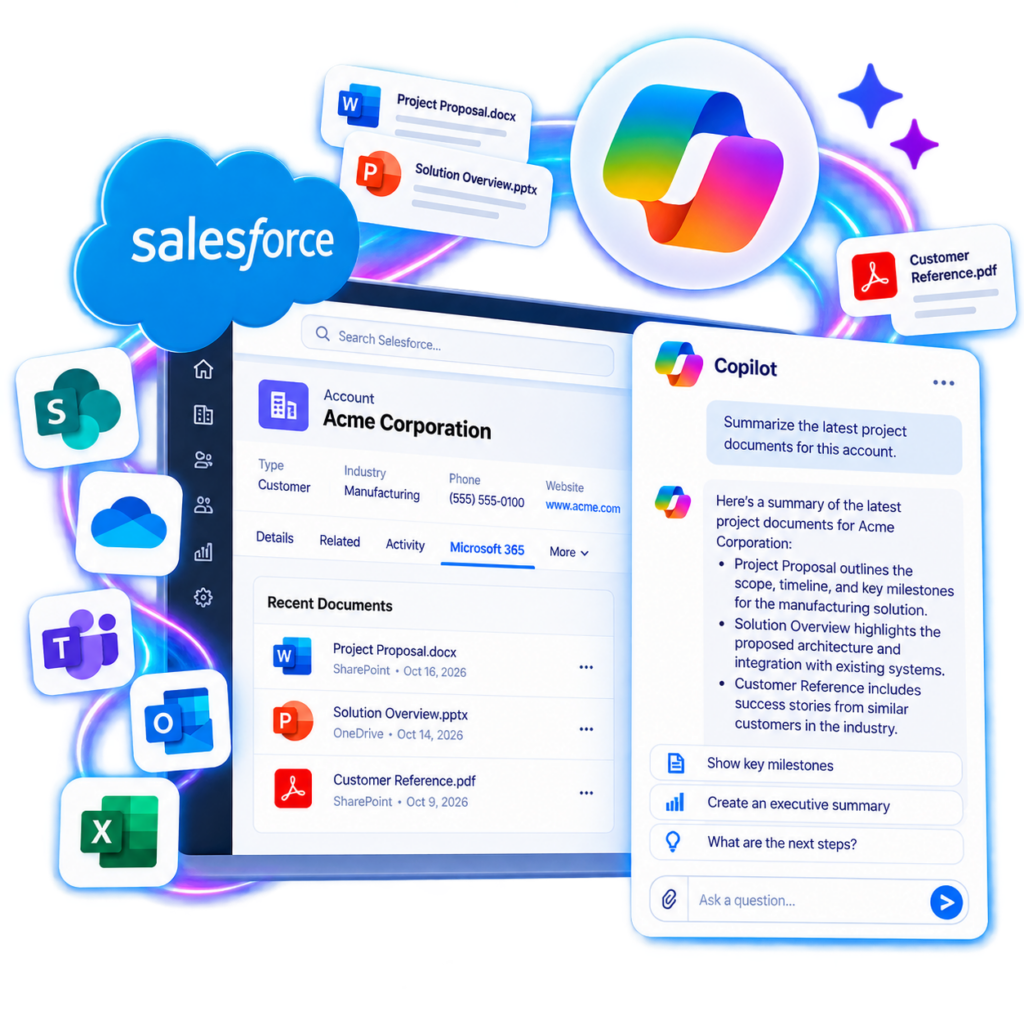
Bring the conversational capabilities of Microsoft 365 Copilot into the Salesforce experience with CloudTools.
The CloudTools Copilot Lightning component allows users to ask questions, discover relevant information, and obtain AI-generated summaries using the knowledge and content available through their Microsoft 365 environment. Whether preparing for a customer meeting, reviewing project documentation, or researching an issue, users can interact with Copilot without leaving their Salesforce workspace.
CloudTools makes Microsoft 365 knowledge more accessible to the people and processes that rely on it, helping organizations get more value from their existing AI investments.
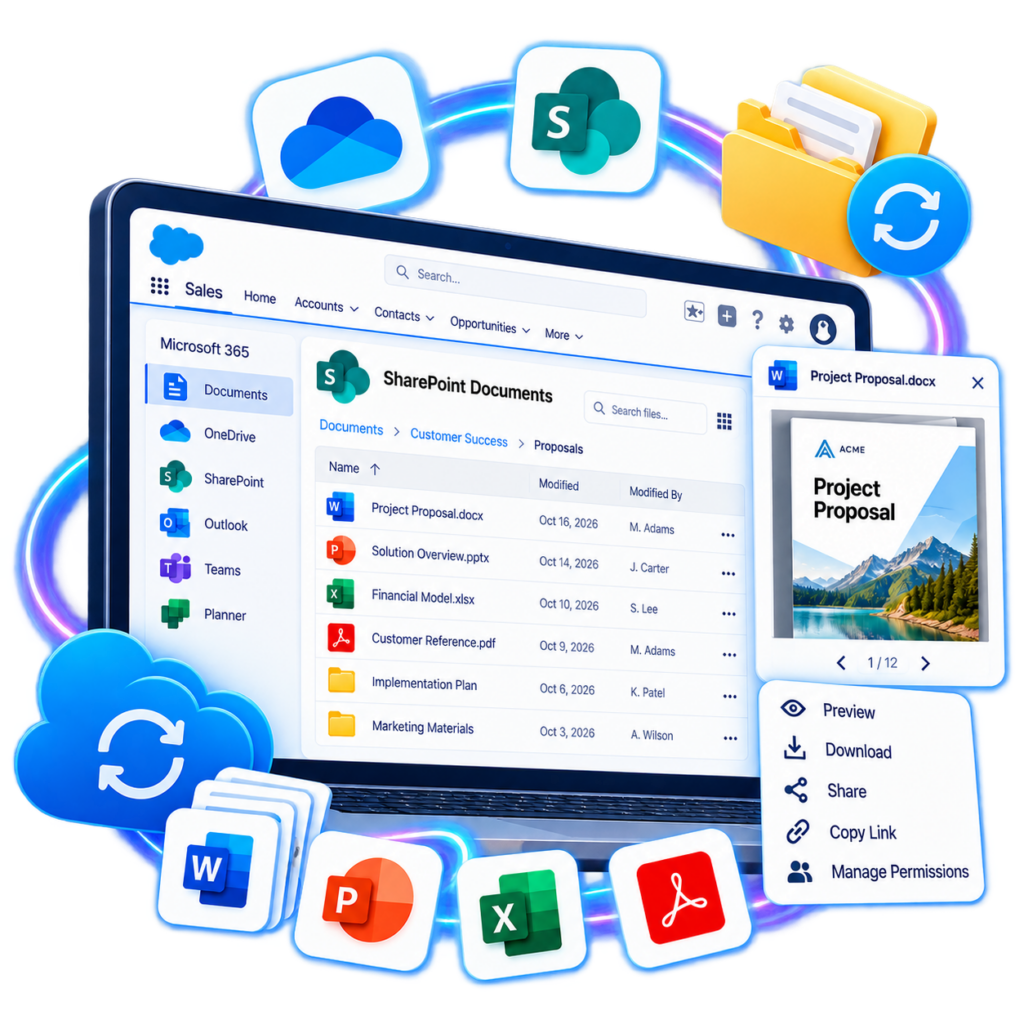
Documents where you need them
Keep your documents in Microsoft 365 and make them accessible wherever your teams work in Salesforce.
CloudTools provides integrated access to SharePoint document libraries and OneDrive files through configurable Lightning components. Browse folders, search for content, upload and download documents, and share files directly from Salesforce without navigating between separate applications.
Whether you’re preparing proposals, managing customer documentation, or collaborating on internal projects, CloudTools helps connect your Salesforce records and business activities with the documents that support them.
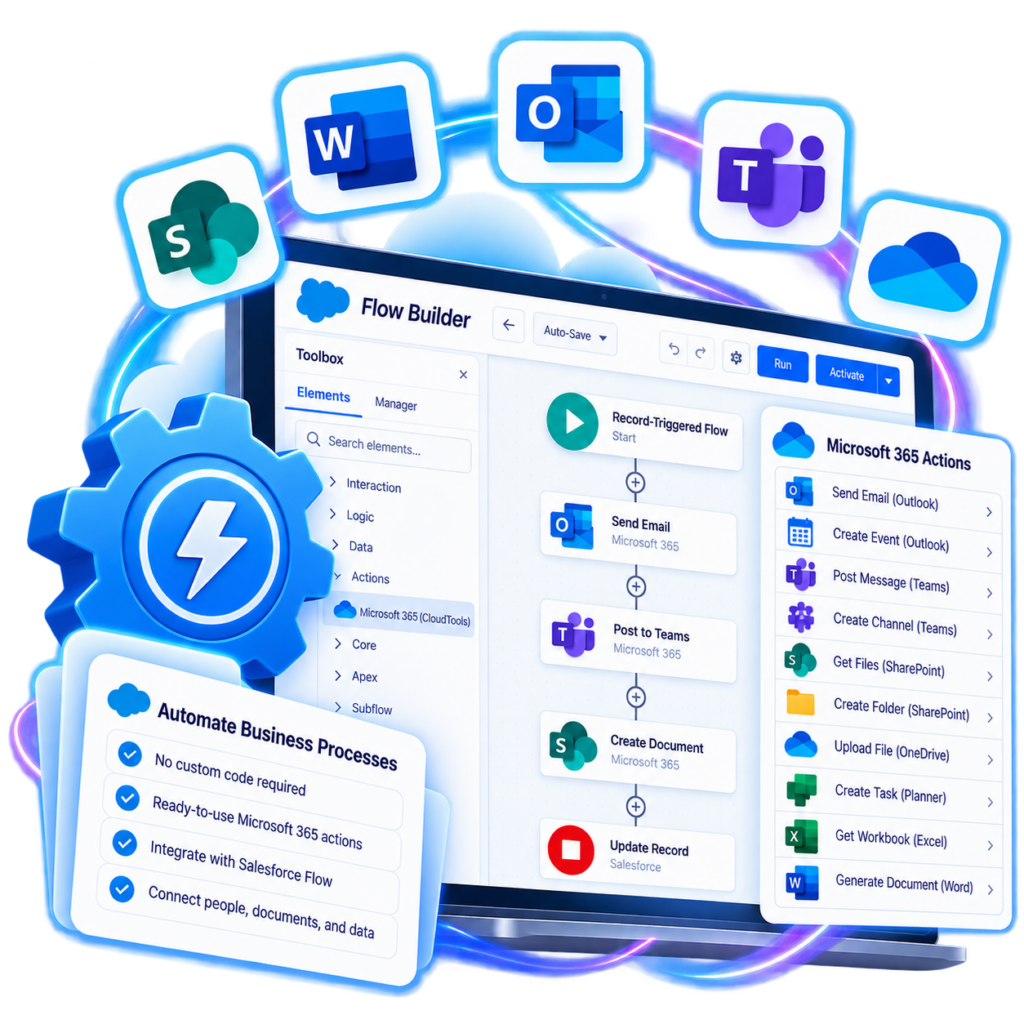
Automation without custom code
Extend Salesforce Flow beyond your CRM with an extensive library of ready-to-use Microsoft 365 connector actions.
CloudTools enables Salesforce administrators and developers to incorporate Microsoft 365 operations into automated business processes using the familiar Flow Builder experience. Send Outlook messages, post to Microsoft Teams, create and manage SharePoint folders, work with OneDrive files, and manage tasks across supported Microsoft 365 services.
By replacing common integration development tasks with reusable actions, CloudTools reduces the complexity of connecting Salesforce automation to Microsoft 365. Build more capable workflows, streamline repetitive activities, and
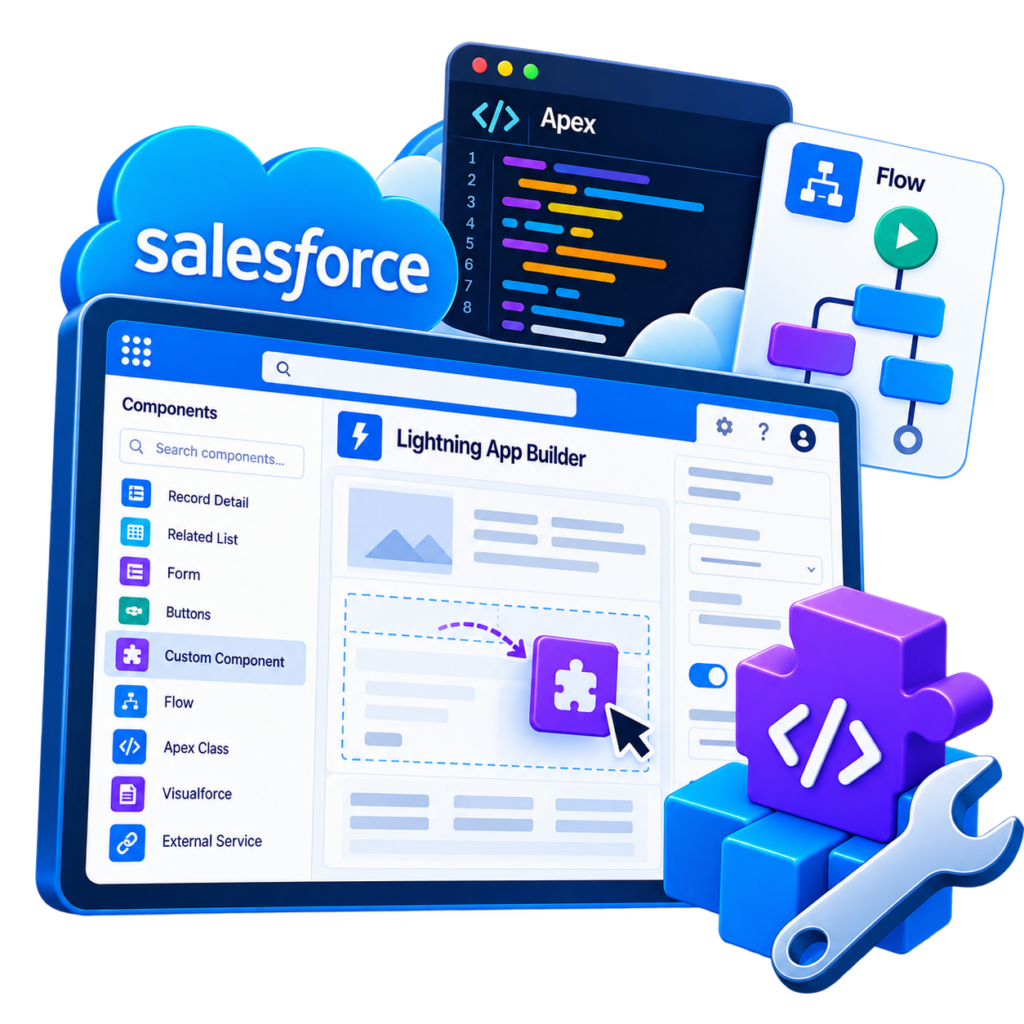
Build your own solutions
CloudTools isn’t limited to prebuilt components and automation actions. It also provides developers with the building blocks to create custom Salesforce experiences tailored to their organization’s needs.
Use CloudTools APIs, integration services, and reusable components to build Lightning Web Components and specialized applications that interact with Microsoft 365. Incorporate document management, messaging, collaboration, and other supported services into custom user interfaces and business processes without having to implement every integration from the ground up.
From simple productivity enhancements to sophisticated business applications, CloudTools provides a flexible foundation for extending Salesforce with Microsoft 365 capabilities.
Connect beyond Salesforce
Modern business processes rarely operate within a single application. CloudTools helps your organization connect Salesforce with the broader enterprise technology ecosystem using the platforms and integration tools you already own.
Integrate Salesforce operations into Power Automate workflows, build connected applications with Power Apps, or extend custom solutions through supported REST APIs.
Rather than introducing another standalone integration platform, CloudTools works alongside your existing technology investments, giving developers and automation specialists additional flexibility to orchestrate cross-platform processes.
Connect your clouds. Simplify your work.
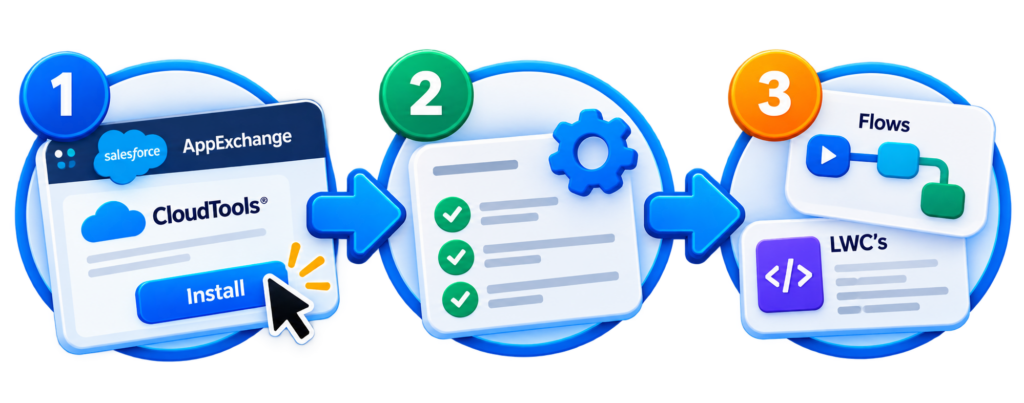
Getting started with CloudTools is easy. Install the managed package from Salesforce AppExchange, configure your connections, and start integrating Copilot, Teams, SharePoint, OneDrive, Outlook, and more into Salesforce.
Ask our AI support assistant your questions about our platform, features, and services.
You are offline
What can I help you with?
We use cookies on our website to give you the most relevant experience by remembering your preferences and repeat visits. By clicking “Accept”, you consent to the use of ALL the cookies.
This website uses cookies to improve your experience while you navigate through the website. Out of these cookies, the cookies that are categorized as necessary are stored on your browser as they are essential for the working of basic functionalities of the website. We also use third-party cookies that help us analyze and understand how you use this website. These cookies will be stored in your browser only with your consent. You also have the option to opt-out of these cookies. But opting out of some of these cookies may have an effect on your browsing experience.
Necessary cookies are absolutely essential for the website to function properly. This category only includes cookies that ensures basic functionalities and security features of the website. These cookies do not store any personal information.
Any cookies that may not be particularly necessary for the website to function and is used specifically to collect user personal data via analytics, ads, other embedded contents are termed as non-necessary cookies. It is mandatory to procure user consent prior to running these cookies on your website.